
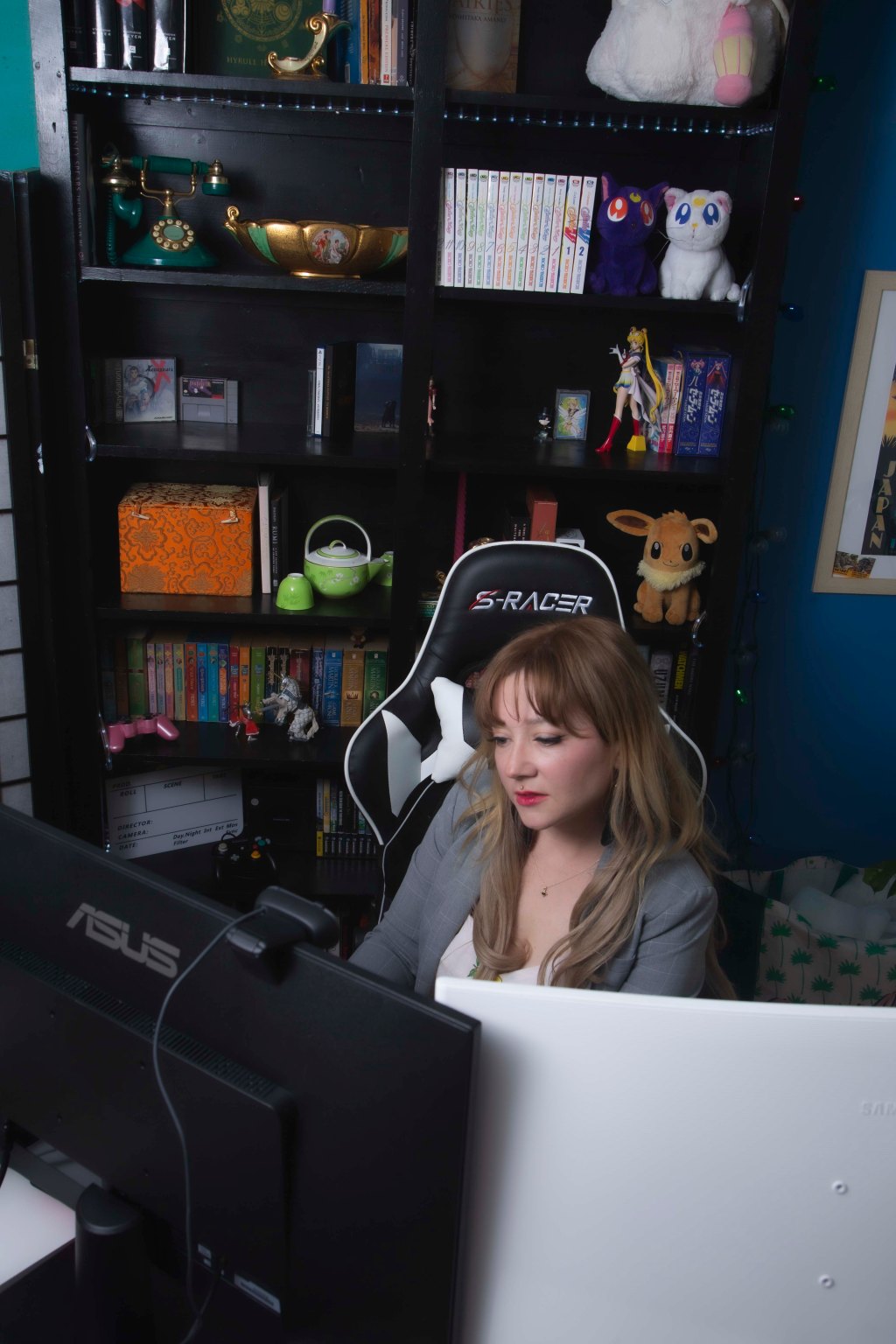
I’ve just completed my fourth home office design. I say fourth, but it feels a little disingenuous given that my first home office was in a closet and my second was literally just a corner in my kitchen. But each endeavor has taken time, thought, and creativity.
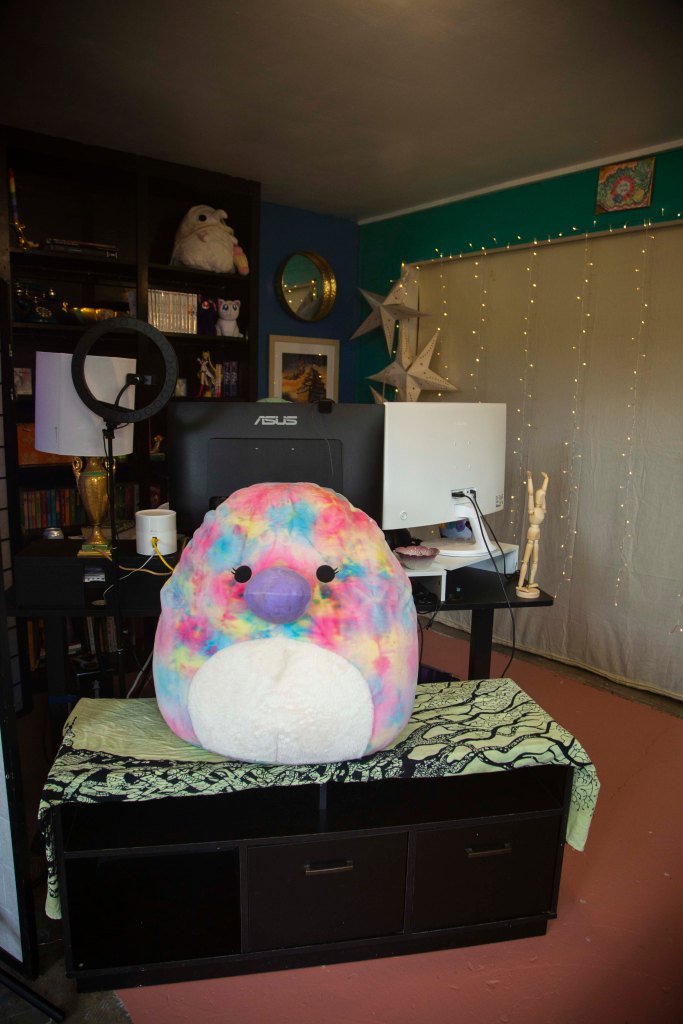
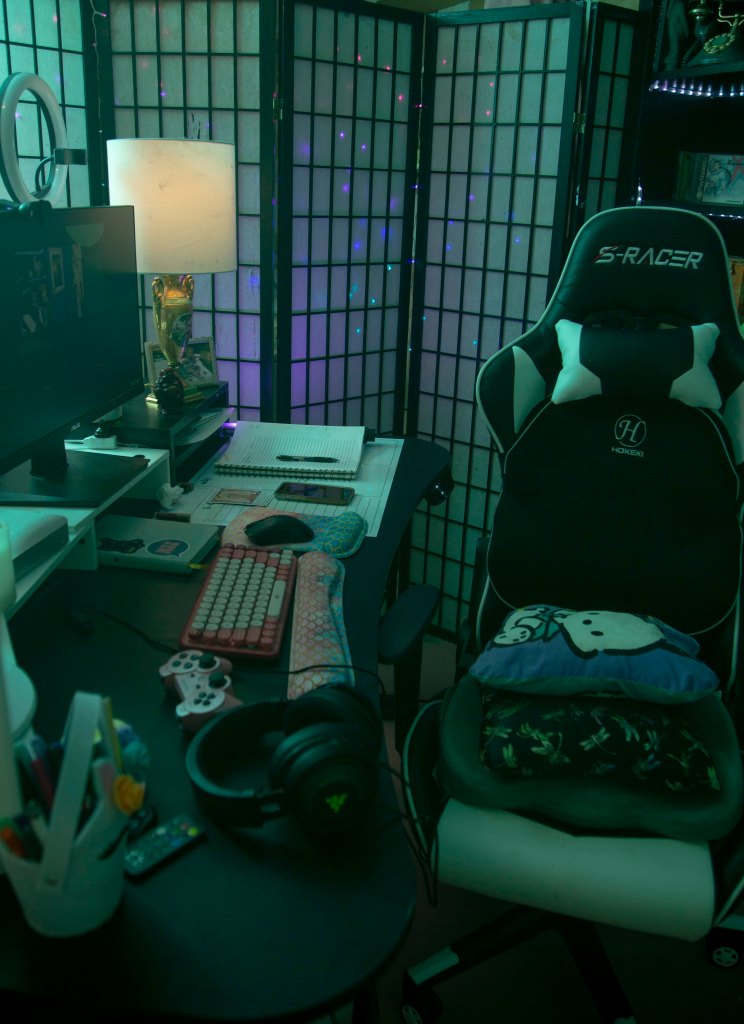
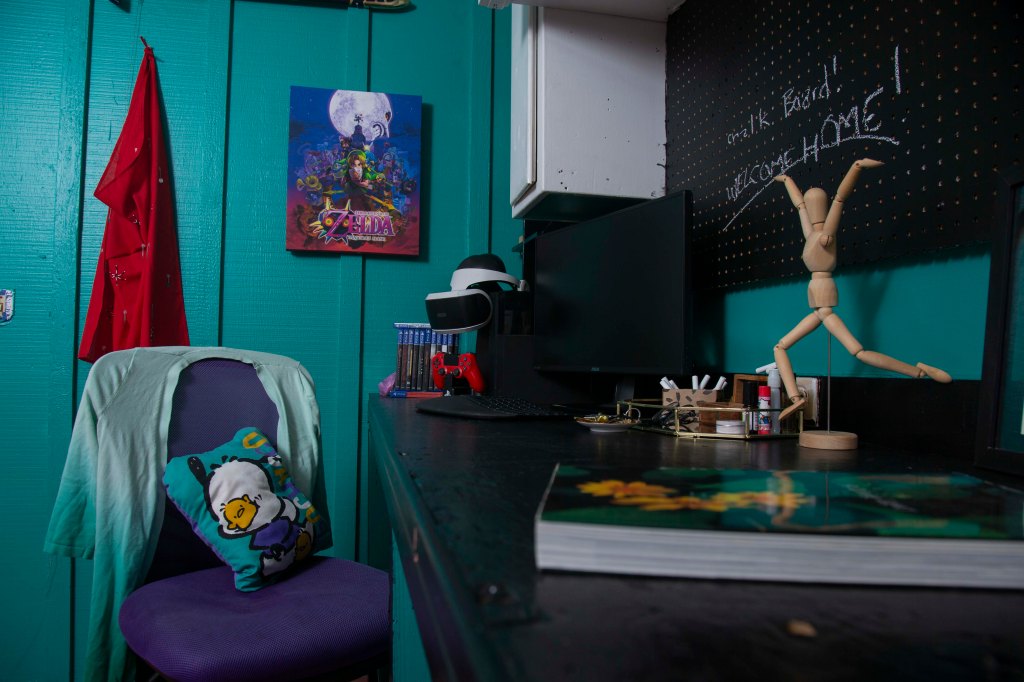
my brand new office in all its glory
My fourth office design effort has been the most involved. Suddenly, I have shelves, a built-in bookcase, cabinets, and a bare concrete floor to consider. I cleaned, organized, painted, spackled, caulked, repainted, and–finally–got to move in and decorate.
Having had no say in what my workspace looked like and how it functioned for the better part of my working life, I feel so lucky to finally have complete control.
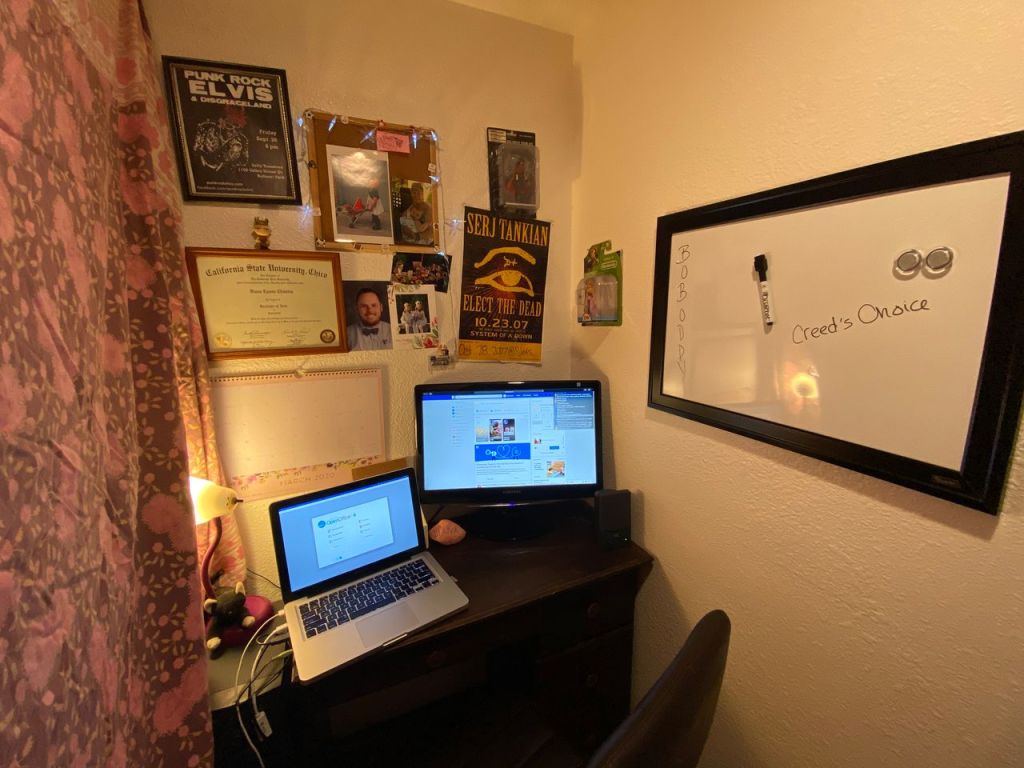
my sad little closet office, circa 2020
I started in a shoestring budget movie theater, where I mostly sat and sweated behind an ancient popcorn machine. It was a privilege to get trained on ticket sales so I could sit in the little booth with the microphone. In retail, my workspace was a section of floor that I had to constantly roam, organize, and patrol for customers I could upsell to. Once I graduated into the recession and started my work with youth and families, my workspace was a series of homes, school sites, and playgrounds. I wrote impact reports on a beat up company-issue laptop on any surface I could perch upon–though my home base was an old desk in the backstage area of an elementary school gym.
Now that I’m lucky enough to work from home, I’m passionate about my workspace. It needs to be colorful, inviting, well-lit. Since I stream, it also needs to look good on camera (and I need to think critically about where I sit and how the camera is angled as well.) My new space has a dedicated home for my ring light and phone stand as well, which is a dream come true.
How I Design an Office Space
For me, design projects always start with big ideas, and this is especially so for designing interior spaces. You have to start with the what:
- What is this space for?
- What do I want to do in here?
- What do I want to feel when I walk in?
- What do I want people to see when I’m on camera?
- Will I use the space to filming TikToks or reels?
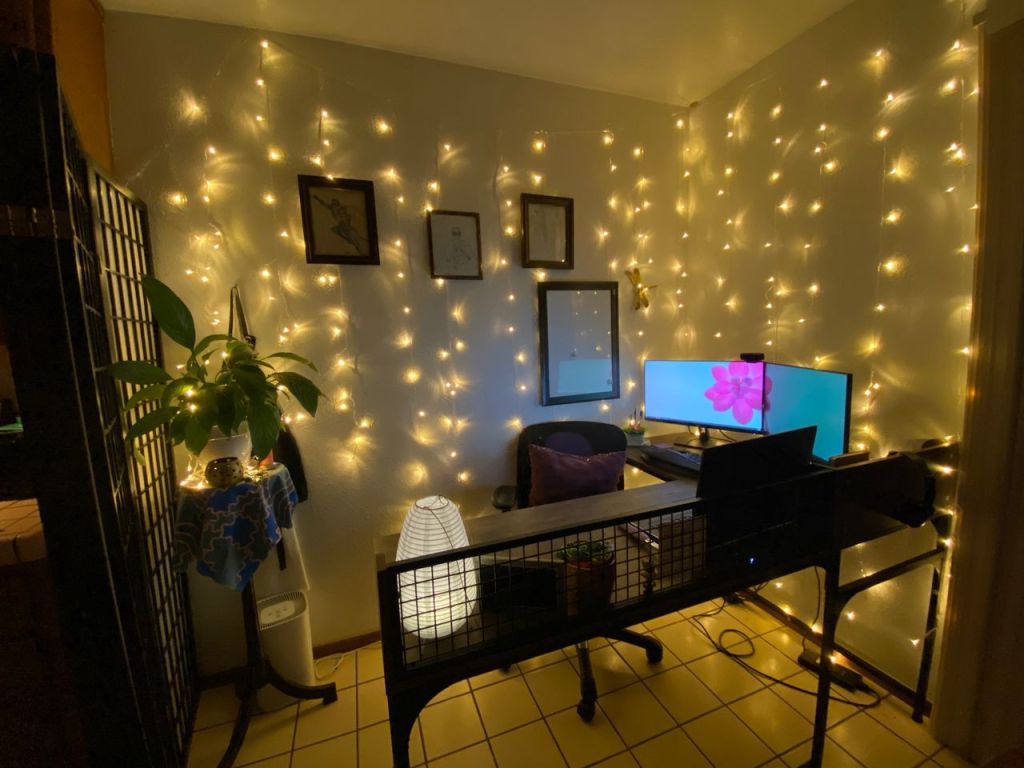
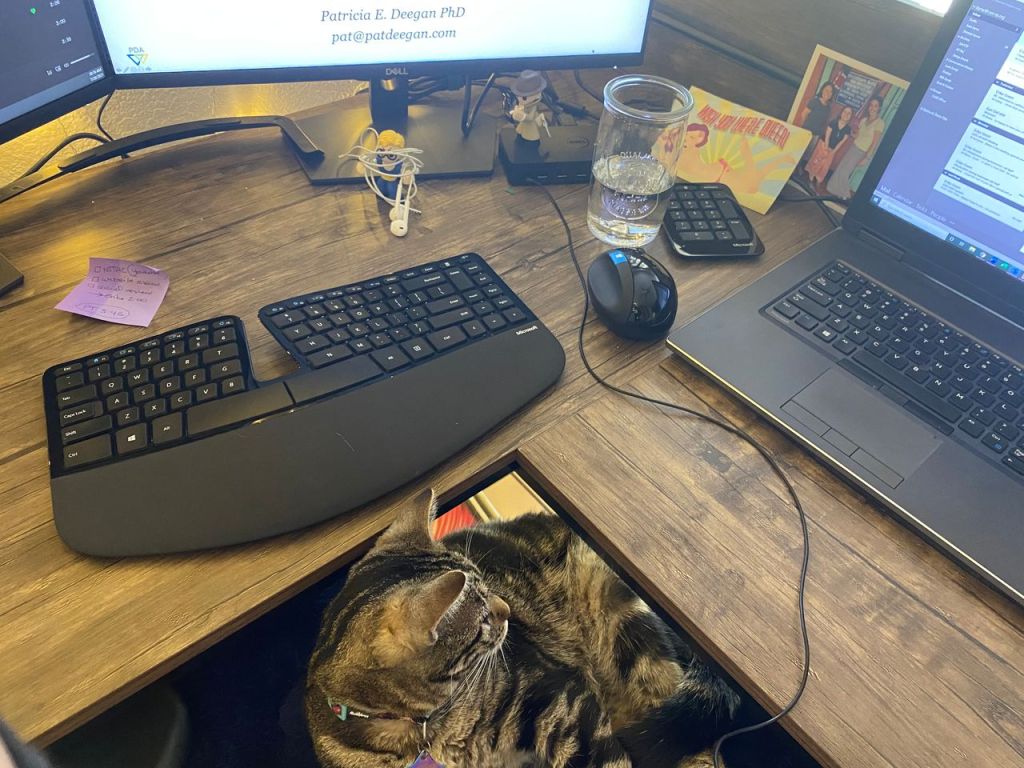
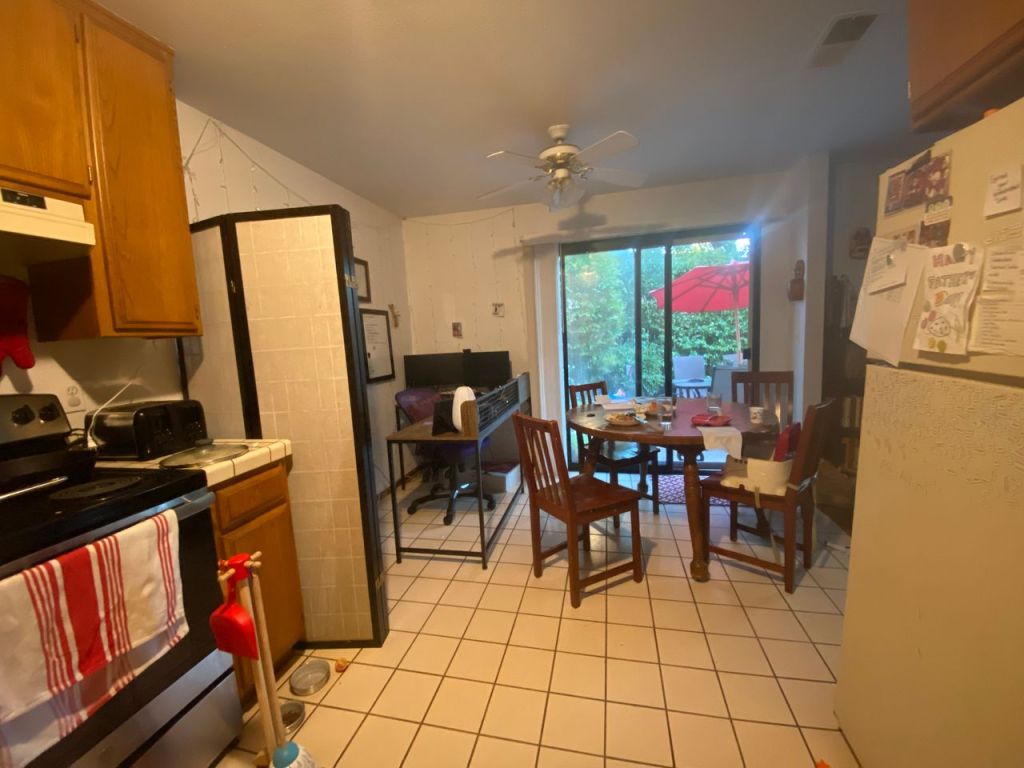
some images from my little kitchen office
I have to wander around the space, sit, crouch, think. I have to take stock of where power outlets are, how the natural light looks and feels throughout the day. From there, I can think about the desk.
Your desk is your home base. It’s the central piece to your office. It holds your computer, your notebook, your coffee, possibly your lunch (not recommended, but c’est la vie.) It’s the largest piece of furniture your office will have, and how it sits and where it faces dictates how the rest of the space will flow. Some questions to get you started are:
- When you’re sitting at your desk do you want to see out a window, or would you rather face a wall?
- Do you want space for someone to sit across from you, or do you need to focus on creating an inviting background for virtual meetings and streams?
- How will you manage cables, or make your desk ergonomically sound?
Once you’ve found the perfect spot for your home base, it’s time to focus on fun.
Start With Color
Planning colors is FUN. Don’t let anyone tell you otherwise. Create a Pinterest board to see what colors compliment each other. Even if you want white walls, you still want to consider your decor: plants, art, photos, degrees and professional certificates, etc. Regardless of whether your color choices are bold or muted, you still want things to work well together.
If you can’t paint you can still get creative with curtains, art, and backdrops. If you need a backdrop for reels, even an old bedsheet or a large piece of craft paper will serve you well. I’m also a BIG fan of colorful fairy lights, especially for spaces you can’t permanently alter.
Once you’ve got your big ideas sorted, it’s time to get to work.
Office Redesign Order of Operations
- Clean! Clean the walls, the floors, dust shelves, get it all ready.
- Paint (if you’re painting) or put up big color elements/art if you aren’t.
- Light it up! (if you’re hanging large wall art, lighting might need to come first, depending on your design ideas–use your best judgment.)
- Put the big furniture in. If you’re doing streaming and virtual meetings, test the lighting at your desk. You may find that your desired spot doesn’t show up well on camera, or that the light just isn’t working. Make notes and head on to step 5.
- STOP: look at your space and make any adjustments. Sometimes seeing is believing, and an idea you thought was brilliant just won’t work out in practice. Make any final tweaks before you…
- Move in! Start with your tech and get your cords sorted. You’ll feel much better about it as you put away books, put up smaller art, and fine tune everything.
- Final look: take pictures, sit everywhere, admire your hard work, and take a moment to ask yourself if you need to make any final changes. Once you’re up and running, it’ll be hard to make changes, so this final step can really help you commit.
My Home Office Must-Haves
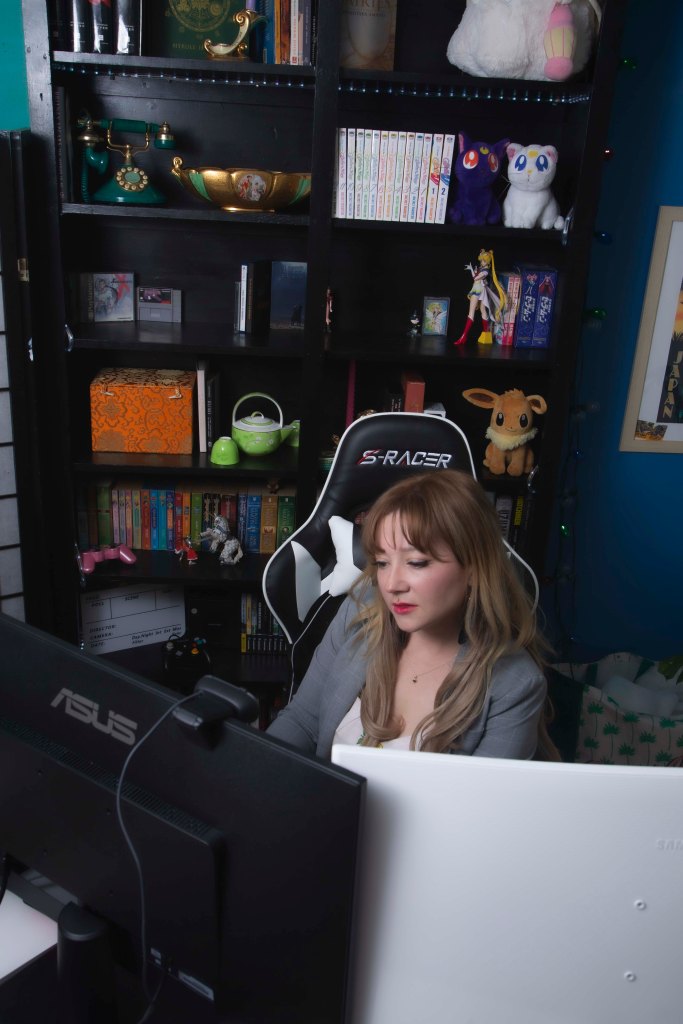
- Gaming office chair (even if you aren’t a gamer, these are made with extra support for long periods of sitting)
- LED lights for shelving, background, etc.
- Fairy lights
- Desk lamp with low wattage bulb for soft lighting in meetings
- Display items (toys, old game hardware, things that show off my personality and interests AND things I like to look at.)
- Ergonomic desk accessories (risers, mouse and wrist pads, monitor arms, footrest, etc.)
- Noise-cancelling headphones
- Wireless mouse
Ready to get started? Need some help? Leave a comment and let’s chat!
 Diana Gray Creative Services
Leave a reply to Diana Gray Cancel reply